Download MicCarry
Your voice, carried clearly. Install MicCarry on your Mac, then use the MicCarry iPhone app over USB.
MicCarry for Mac — free
The companion that adds "MicCarry (USB)" as a normal input on your Mac.
- One signed and notarized installer
- Appears wherever a microphone can be chosen
- Keeps itself up to date

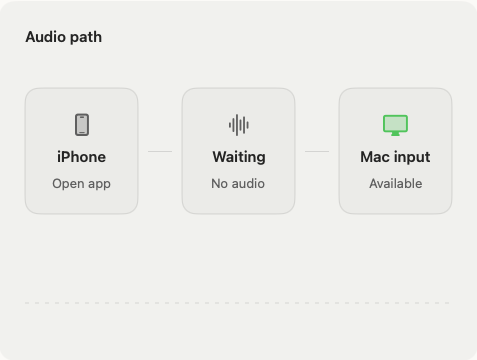
Open the downloaded package and follow the installer. It installs both the MicCarry app and the MicCarry (USB) system input. Requires an Apple silicon Mac.
MicCarry for iPhone
Free download · 30-day free trial · $4.99 one-time lifetime unlock. No subscription.
Coming to the App Store
- Capture starts only when you tap Start
- Auto and Whisper listening modes
- Works while locked during an active session
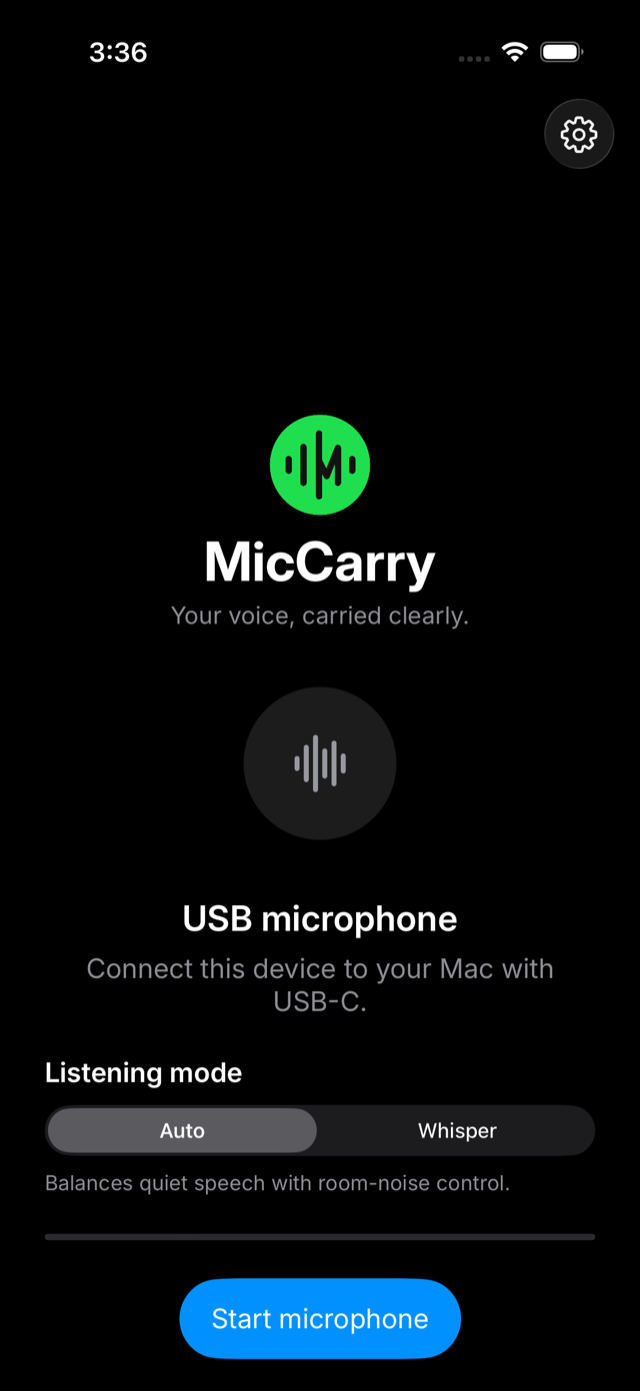
Requires an iPhone with USB-C.
After installing
Three moves and you're talking: open MicCarry on the iPhone, connect the USB-C cable, tap Start microphone. Then pick "MicCarry (USB)" in any Mac app.
You'll need: an iPhone with USB-C · an Apple Silicon Mac · a USB-C data cable.